Mirror an Image Online
Flip any photo to mirror it, or rotate it, right in your browser.
Free, no sign-up, and your image never leaves your device

“Drop your image and let's flip it!”


Mirror an Image in Three Steps
- 01
Add your image
Drop a photo onto the page or choose one from your device.
- 02
Flip it
Click Flip horizontal above the image to mirror it. Use Rotate left to turn it.
- 03
Download
Save the mirrored image as JPG, PNG, WebP or PDF.
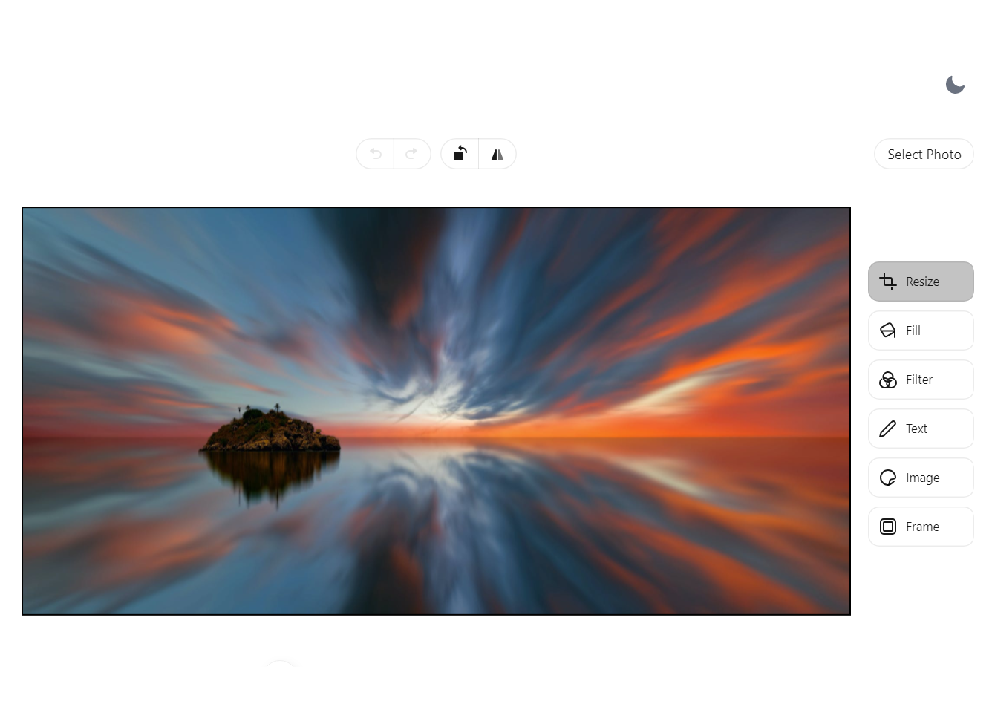
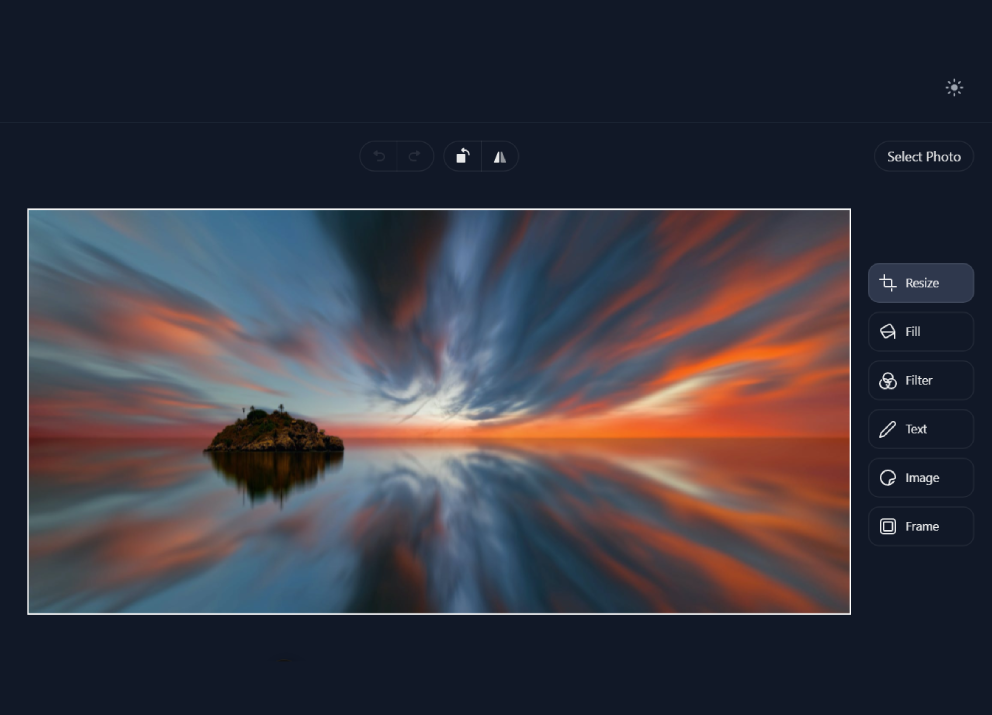
Mirror, Flip and Rotate
Mirroring reflects an image left to right, as if seen in a mirror. It is handy for fixing a selfie that came out reversed, making backwards text readable, or changing which way a subject faces.
How to mirror and flip
Click Flip horizontal above the image to mirror it. Rotate left turns the image a quarter turn each time. For an upside-down flip, rotate twice and then flip horizontally.
Other Things You Can Do
Mirroring, Answered
What is the difference between mirroring and flipping?
Mirroring swaps left and right, like a reflection in a mirror. Flipping vertically swaps top and bottom, like a reflection in water.
How do I flip an image upside down?
Click Rotate left twice, then Flip horizontal. The result is the same as a vertical flip.
Does mirroring reduce quality?
No. Mirroring and rotating by quarter turns only rearrange the pixels, so the image stays as sharp as it was.
Are my images uploaded anywhere?
No. Everything happens in your browser, on your device. Your images are not sent to or stored on our servers.
Ready to Mirror Your Image?
Add a photo, flip it and download it in a few seconds. Free, with no account and no watermark.