Black and White Image Converter
Turn a color photo into black and white in a couple of clicks, right in your browser.
Free, no sign-up, and your image never leaves your device

“Drop your image and let's go monochrome!”


Go Black and White in Three Steps
- 01
Add your image
Drop a photo onto the page or choose one from your device.
- 02
Pick a filter
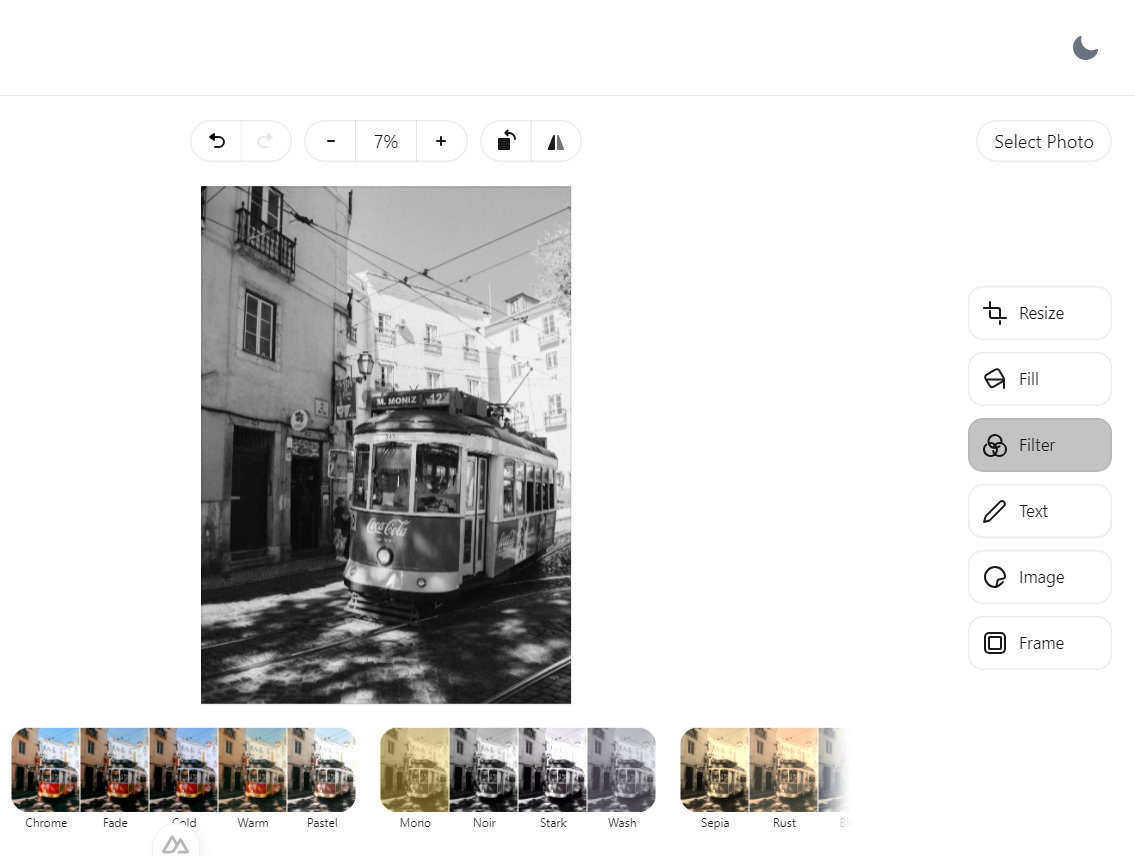
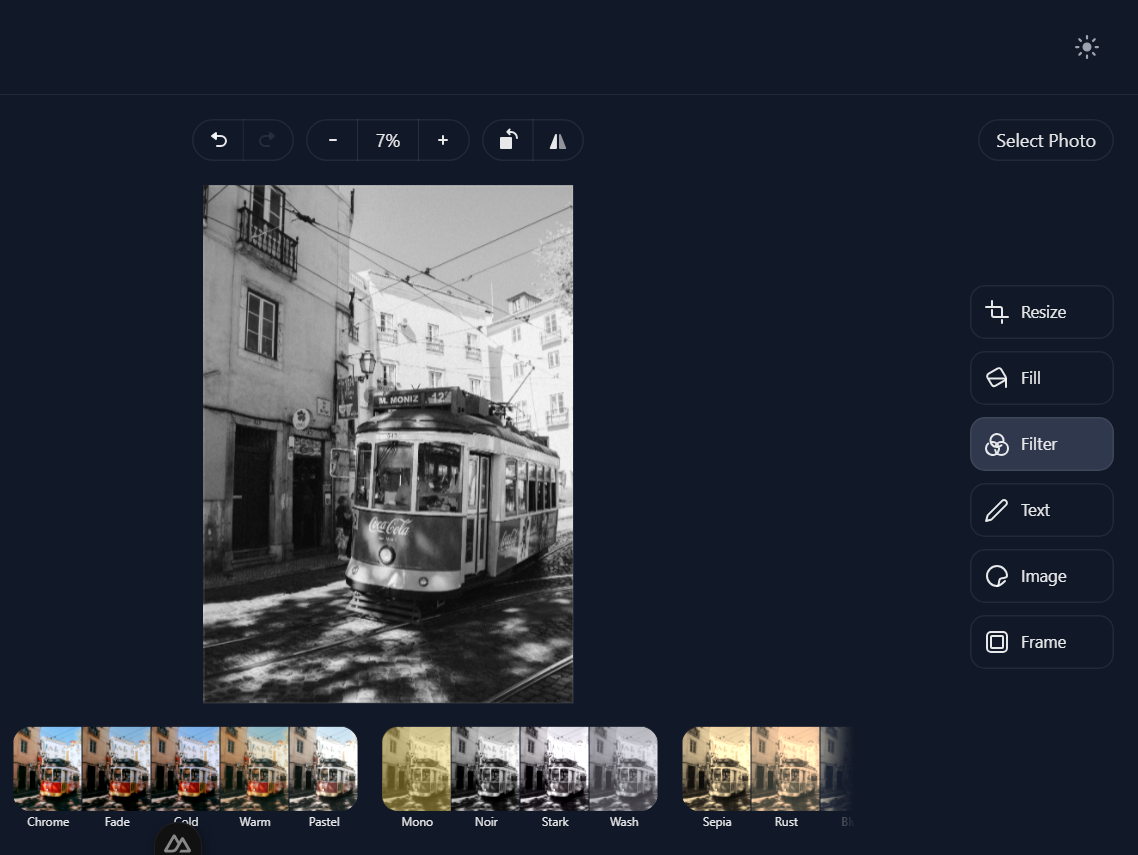
Open Filters in the editor and choose one of the Monochrome filters.
- 03
Download
Save the black and white image as JPG, PNG, WebP or PDF.
A Timeless Look
Removing color puts the focus on light, shape and expression. It suits portraits, buildings and product shots, and it can rescue a photo whose colors are distracting.
How to convert
Open Filters in the editor's right-hand column. Under Monochrome, try Mono, Noir, Stark and Wash, and keep the one you like best. Your original photo is not changed.
Other Things You Can Do
Black and White, Answered
Which black and white styles are there?
Four monochrome filters: Mono, Noir, Stark and Wash. Each gives a different balance of light and dark, so try them all on your photo.
Can I undo it?
Yes. Choose the Default filter to bring the color back, and your original file is never changed.
Which formats can I use?
You can open JPG, PNG, WebP and HEIC images, and download the result as JPG, PNG, WebP or PDF.
Are my images uploaded anywhere?
No. Everything happens in your browser, on your device. Your images are not sent to or stored on our servers.
Ready to Go Black and White?
Add a photo, pick a filter and download it in a few seconds. Free, with no account and no watermark.