Crop an Image Online
Cut any photo down to the part you want to keep, right in your browser.
Free, no sign-up, and your image never leaves your device

“Drop your image and let's crop it!”


Crop an Image in Three Steps
- 01
Add your image
Drop a photo onto the page or choose one from your device.
- 02
Choose the area
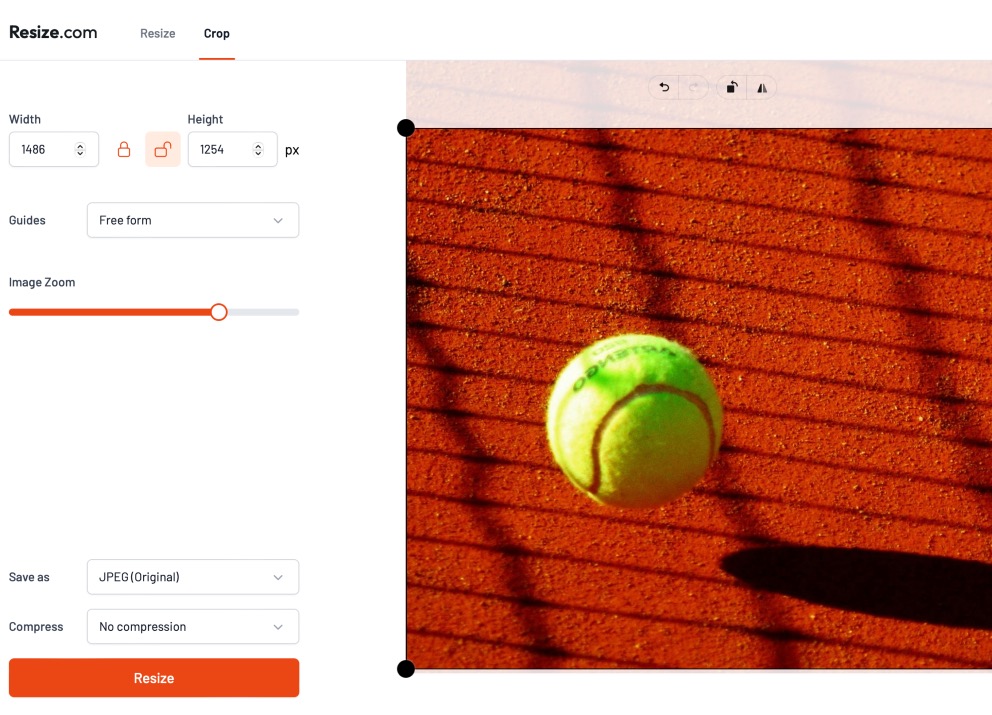
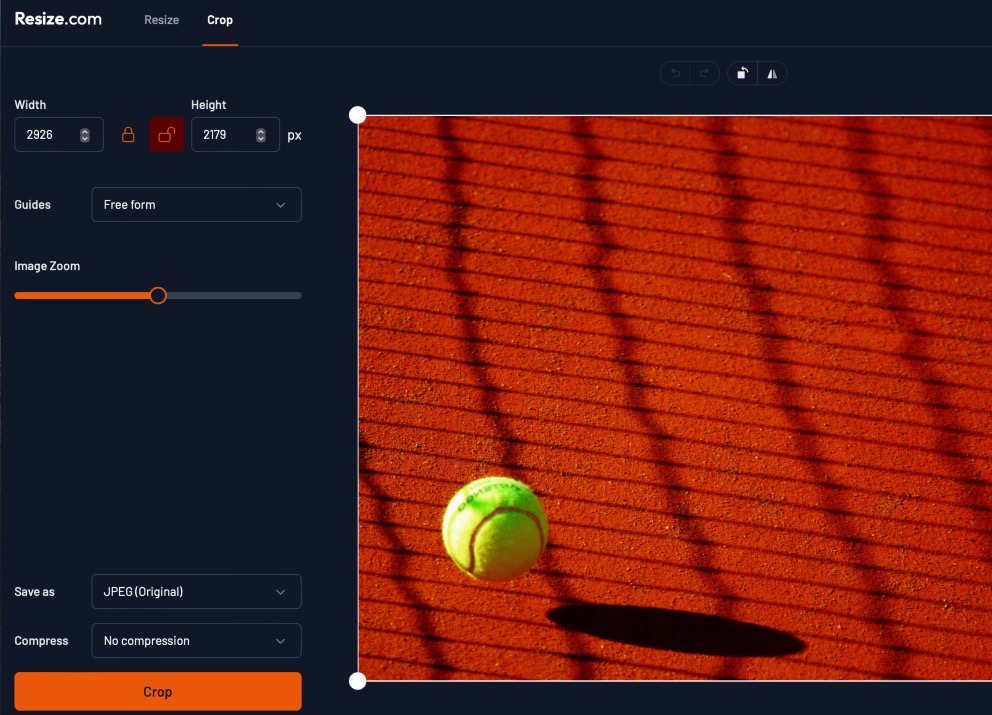
Drag the edges of the crop box, type a width and height, or pick a preset shape.
- 03
Download
Download the cropped image to your device.
Keep Only the Part You Want
Cropping removes the edges of a photo so the subject fills the frame. Use it to cut out distractions, change the shape of an image, or fit a size a website asks for.
How to crop
Drag any edge of the crop box to frame your shot. You can also enter an exact width and height in pixels, or choose a preset such as 1:1 or 16:9 to lock the shape. Flip and rotate are there if the photo needs turning.
Other Things You Can Do
Cropping, Answered
Can I crop to an exact size?
Yes. Type the width and height you need in pixels and the crop box takes that size.
Can I crop to a shape like square or 16:9?
Yes. The presets include 1:1, 4:3, 3:2, 16:9, 9:16 and more. Pick one and the crop box keeps that shape while you move it.
Does cropping reduce quality?
No. The part you keep stays exactly as sharp as it was. Only the edges you cut away are removed.
Are my images uploaded anywhere?
No. Everything happens in your browser, on your device. Your images are not sent to or stored on our servers.
Ready to Crop Your Image?
Add a photo, frame the part you want and download it in a few seconds. Free, with no account and no watermark.