Add Text to Your Photos
Write captions, labels or a signature on any image, right in your browser.
Free, no sign-up, and your image never leaves your device

“Drop your image and let's write on it!”


Add Text in Three Steps
- 01
Add your image
Drop a photo onto the page or choose one from your device.
- 02
Write your text
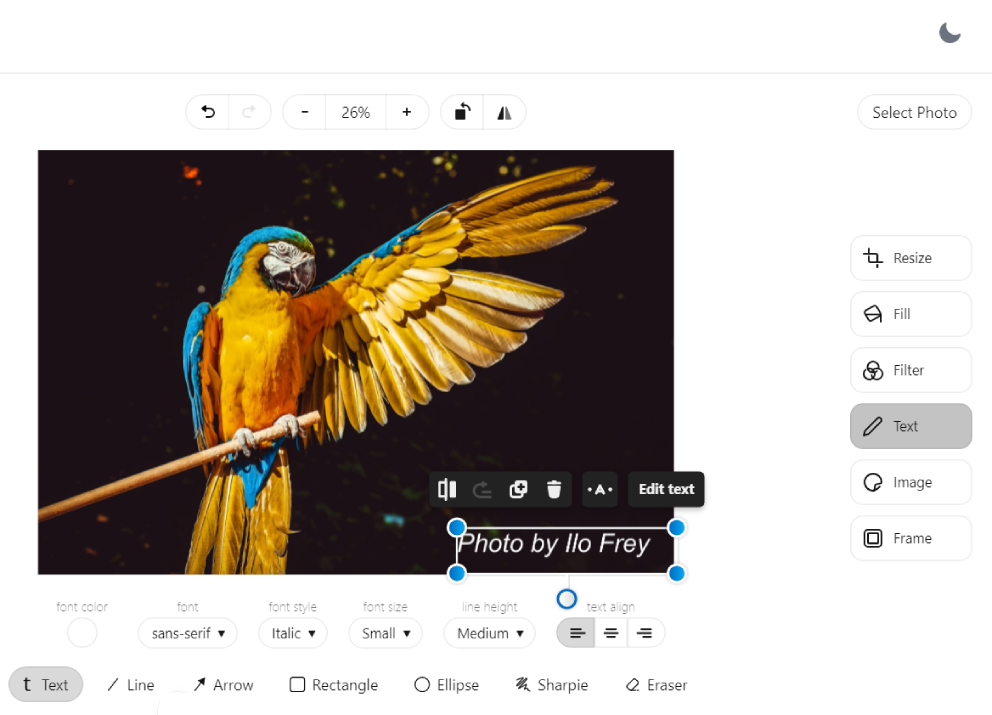
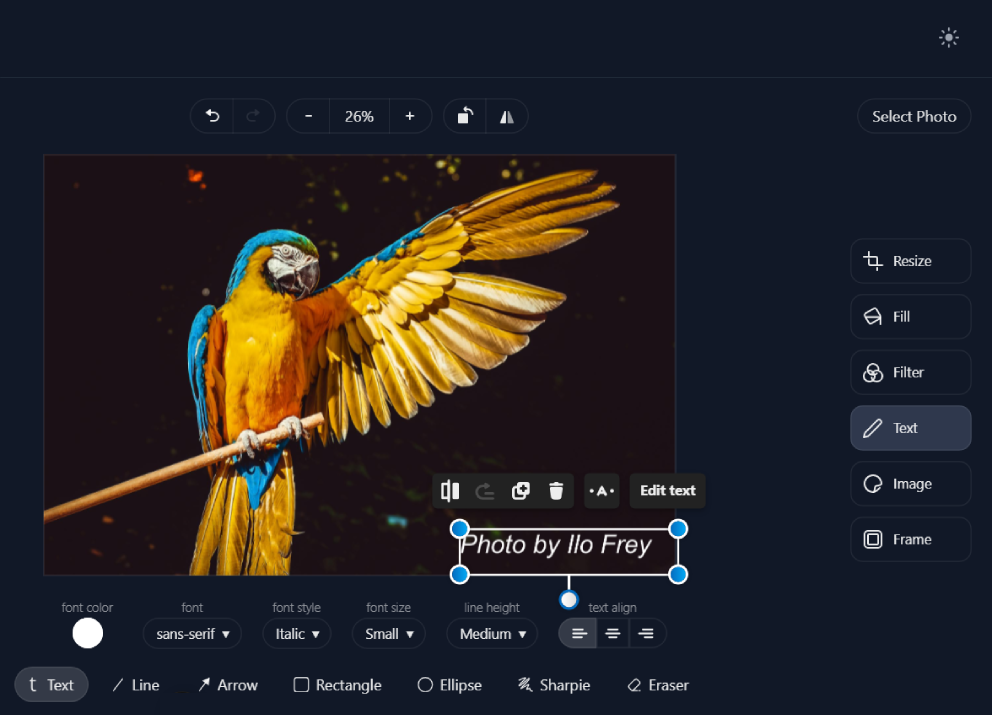
Open Text in the editor, click the image and type. Set the font, size and color.
- 03
Download
Save the image as JPG, PNG, WebP or PDF, with the text in place.
Say More With Your Images
Text turns a photo into a message: a caption, a price, a date or a name. It reads best over a calm part of the picture, such as sky or a plain background.
How to add text
Open Text in the editor's right-hand column, choose the text tool, then click the image where the words should go. Set the font, size and color. For contrast on a busy photo, draw a rectangle behind the text.
Other Things You Can Do
Adding Text, Answered
Can I change the font, size and color?
Yes. Select your text and use the controls under the image to change its font, size and color.
Is the text saved into the image?
Yes. When you download, the text becomes part of the picture, so it shows wherever the image is used.
Can I add my logo instead of text?
Yes. Use the watermark tool to place a logo on up to 20 images at once.
Are my images uploaded anywhere?
No. Everything happens in your browser, on your device. Your images are not sent to or stored on our servers.
Ready to Add Your Text?
Add a photo, type your words and download it in a few seconds. Free, with no account and no watermark.